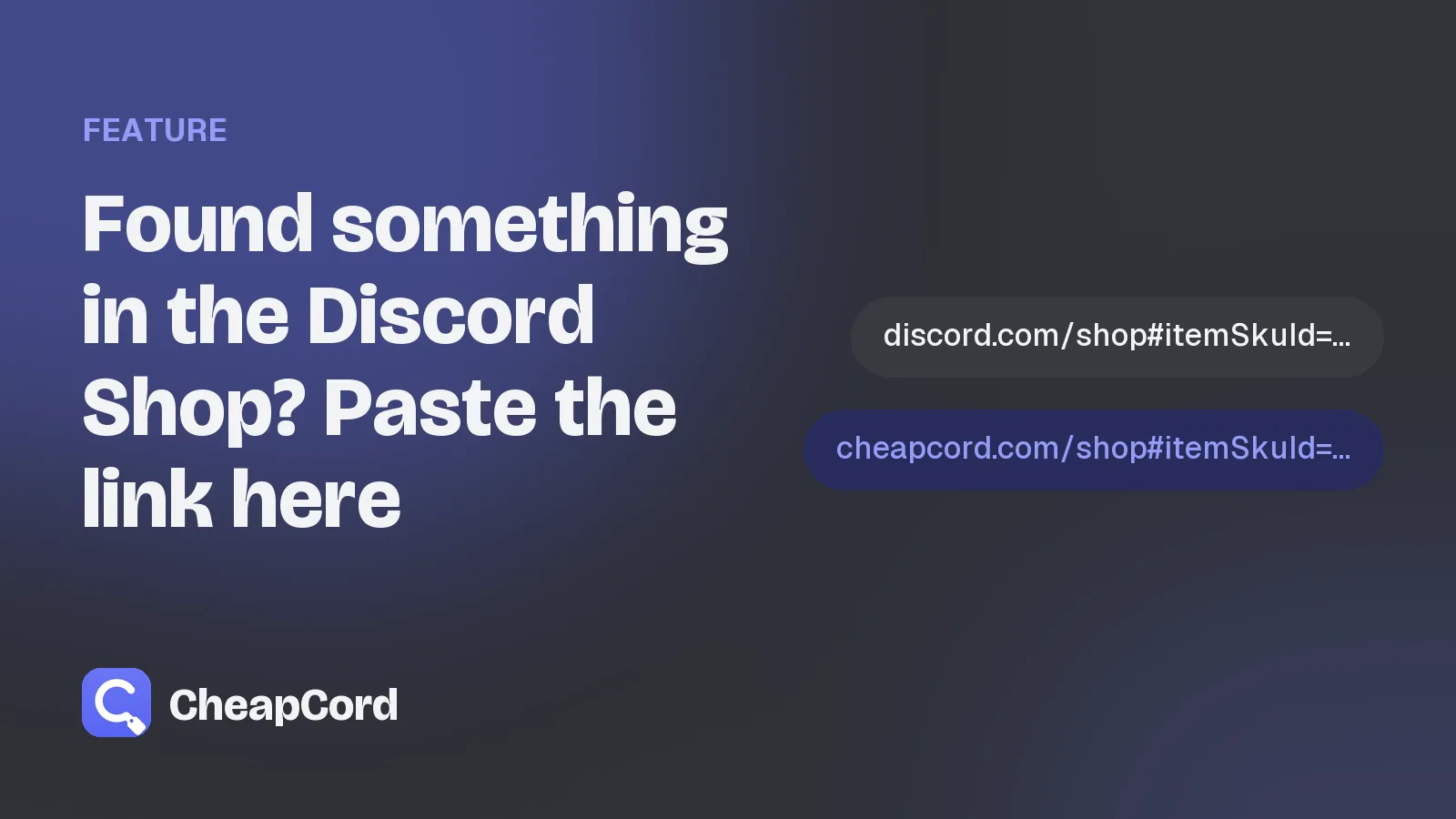
Found something in the Discord Shop? Paste the link here
Paste any Discord Shop link into our search bar and we open the same item, at our price.
By CheapCord team · · 1 min read
You're browsing the Discord Shop and you spot something you like. You don't have to search for it again on CheapCord. Just bring the link.
Option 1: Paste it into our search bar
- Copy the item's link from the Discord Shop. In a browser at discord.com/shop, open the item and copy the address. It looks like
discord.com/shop#itemSkuId=1234.... - Paste it into the search bar at the top of CheapCord.
- We show the item right away. Press Enter to open it.
Option 2: Swap the address
Change discord.com to cheapcord.com in any Discord Shop link and open it. That's all.
discord.com/shop#itemSkuId=...opens that item here.discord.com/shop/collection/...opens the whole collection here.discord.com/shop?tab=nameplatesopens our nameplates.
What if the item doesn't show up?
Now and then an item can't be bought through our system, for example when it's only sold in some countries. In that case the search tells you it isn't available. Try another item from the same collection, or ask support if you're not sure.
Why this helps
Prices here are much lower than in the Discord Shop, and every item comes as an official Discord gift link. Pasting a link is the fastest way to compare. Our item page shows Discord's price right next to ours.
Ready to save on the Discord Shop?
Every item, delivered as an official Discord gift link and paid with Binance or crypto.
Browse the shopKeep reading

Your CheapCord balance: top up once, buy in one click
Add money to your account once, then buy items instantly with no fee each time.
Oct 25, 2026 · 1 min read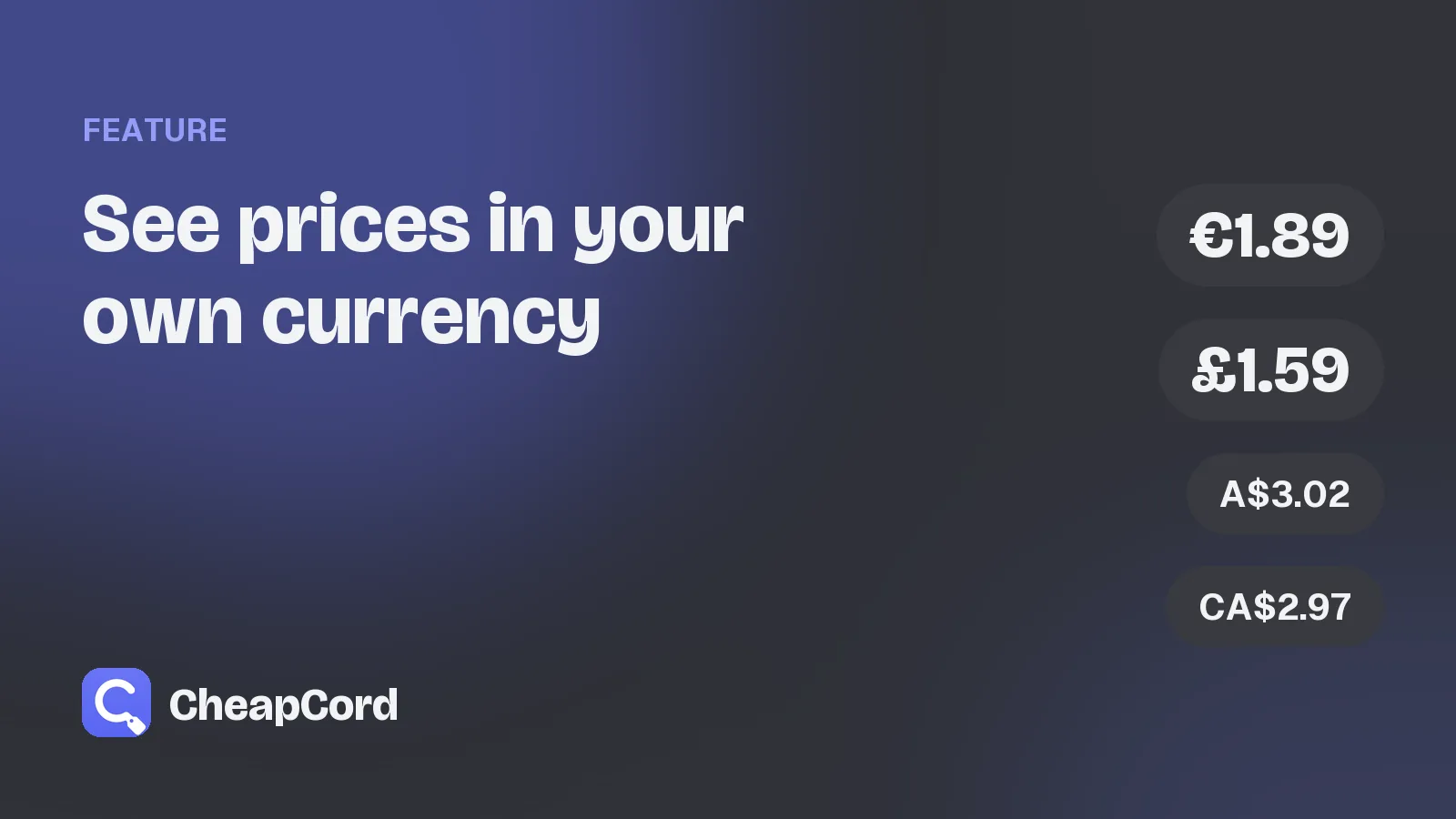
See prices in your own currency
CheapCord shows prices in euros, pounds, dollars and more, so you know what you pay without doing the maths.
Oct 25, 2026 · 1 min read