How to add CheapCord to your phone like an app
One tap puts CheapCord on your home screen with its own icon, full screen, no app store needed. Steps for Android, iPhone and desktop.
By CheapCord team · · 2 min read
You can keep CheapCord on your home screen like any other app. It gets its own icon, opens full screen without the browser bars, and takes a couple of taps to set up. There's no app store, no big download and nothing to update.
Short version: open cheapcord.com in your browser, open the menu, and choose Install app (Android) or Add to Home Screen (iPhone).
What you get
- Its own icon next to your other apps.
- Full screen. No address bar getting in the way.
- Quick access to the shop, your orders and your balance.
- The same account and prices as the website, because it is the website.
It uses almost no space, and it's safe to remove whenever you like.
Android (Chrome)
- Open cheapcord.com in Chrome.
- Tap the three dots at the top right.
- Tap Install app. On some phones it says Add to Home screen, which does the same job.
- Tap Install to confirm.
The CheapCord icon appears on your home screen. Open it and you're in.
iPhone and iPad (Safari)
- Open cheapcord.com in Safari.
- Tap the Share button, the square with an arrow pointing up.
- Scroll down and tap Add to Home Screen.
- Tap Add at the top right.
Safari is the safest choice here. If you normally use another browser and don't see the option, open the link in Safari for this one step.
On a computer (Chrome or Edge)
Look for the small install icon at the right end of the address bar, or open the browser menu and choose Install CheapCord. Confirm, and it opens in its own window.
I don't see the Install option
- Make sure you're on cheapcord.com itself and not inside another app's built-in browser, such as the one in Instagram or Discord. Open the link in Chrome or Safari instead.
- Update your browser, then try again.
- If the app is already installed, the menu shows Open instead of Install.
How to remove it
Press and hold the icon, then tap Uninstall or Remove App. Your account and orders stay safe, because they live with us and not on your phone.
A tip for paying
When it's time to pay, your wallet or exchange app opens separately. Come back to CheapCord afterwards and your order page updates by itself. You'll also get your gift link by email as soon as it's ready, so you never lose it.
New here? Start with how to buy Discord Shop items for less or head straight to the shop.
Ready to save on the Discord Shop?
Every item, delivered as an official Discord gift link and paid with Binance or crypto.
Browse the shopKeep reading
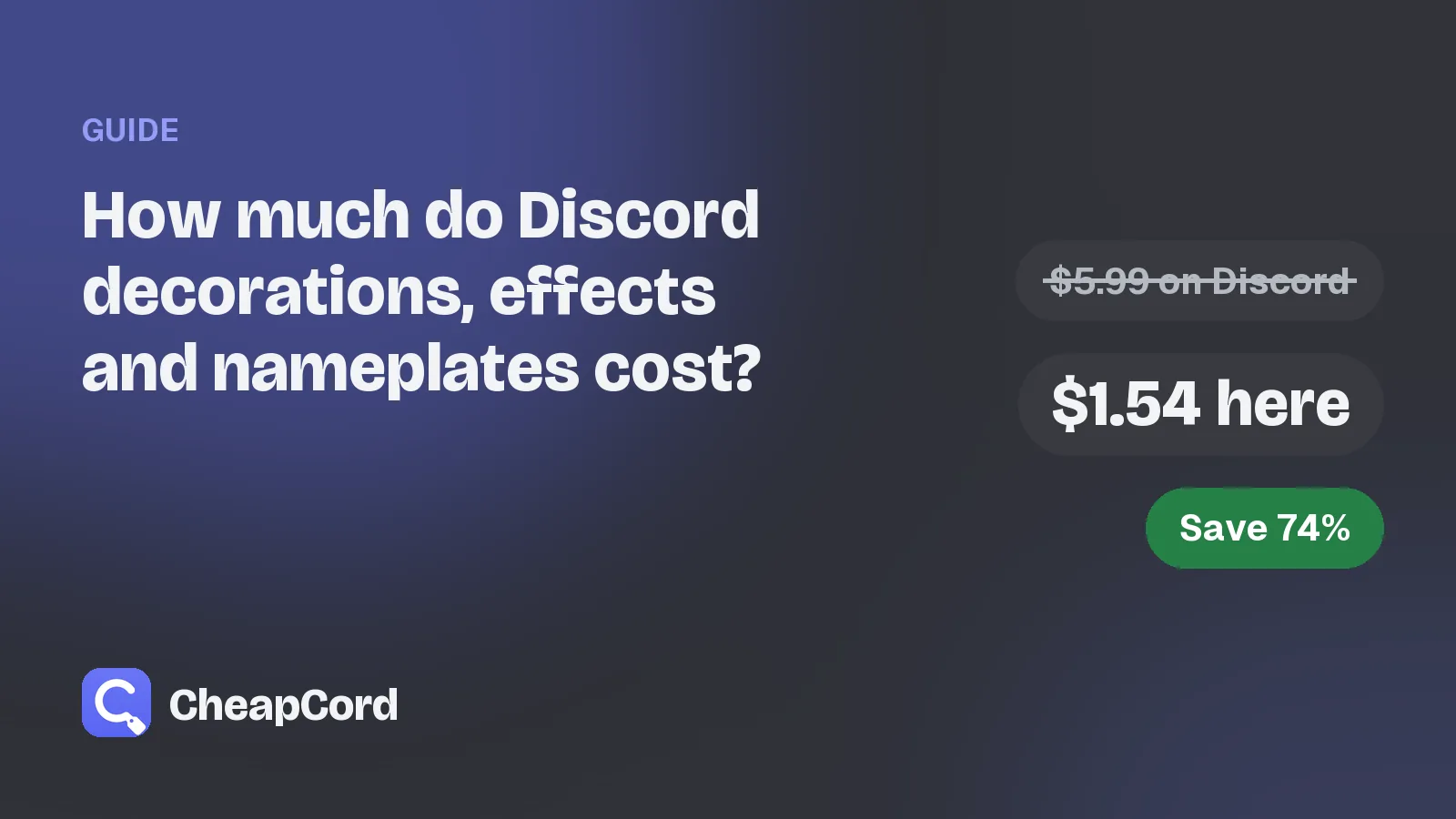
How much do Discord decorations, effects and nameplates cost?
The usual Discord Shop prices for each item type, and what the same items cost on CheapCord.
Oct 30, 2026 · 3 min read
How to check if a Discord decoration seller is legit
Seven quick checks before you pay anyone for a Discord decoration, effect or nameplate.
Oct 30, 2026 · 3 min read