How to buy Discord Shop items for less on CheapCord
Find an item, pay with Binance or crypto, get an official gift link. Here's the whole process, step by step.
By CheapCord team · · 2 min read
CheapCord sells the same items you see in the Discord Shop: avatar decorations, profile effects, nameplates and bundles. You pay much less, and you get an official Discord gift link. Here's how it works.
1. Find your item
You can find items in three ways:
- Browse. The shop is laid out the same way as Discord's, collection by collection.
- Search. Type a name, even with a typo. "Pumkin" still finds pumpkins.
- Paste a Discord link. Saw something in the Discord Shop? Paste its link into our search bar and we open the same item. Here's how.
Every item shows our price right next to Discord's price, so you can see what you save.


2. Add it to your cart
Press Buy now to go straight to checkout, or Add to cart to keep shopping. Some items come in several colours. Pick the one you like on the item page.
3. Pay with Binance or crypto
Type the email address where you want your gift link, then pay. Use Binance Pay if you have the Binance app: there is no network fee, and our Binance guide takes two minutes. Or pay with Bitcoin, USDT, Litecoin, Solana and many more coins on your order page, with a flat 2% fee shown before you pay.
New to crypto? Our first-timer's guide takes about ten minutes.
If you have a CheapCord balance, you can pay from it in one click, with no fee.
4. Get your gift link
Once your payment confirms, we buy your item and send an official Discord gift link, usually within a few minutes. You'll find it:
- in your email
- on your order page, which shows live progress
- in a Discord DM from our bot, if you logged in with Discord and your DMs are open
5. Claim it in Discord
Open the link while logged in to Discord and press Claim. This guide shows how to put it on your profile.
Remember to claim your gift within 48 hours. Discord gift links expire after that.
Need help?
Our support team is made of real people. Reach us through the chat on our support page, by email at support@cheapcord.com, on Discord or on Telegram.
Ready to save on the Discord Shop?
Every item, delivered as an official Discord gift link and paid with Binance or crypto.
Browse the shopKeep reading
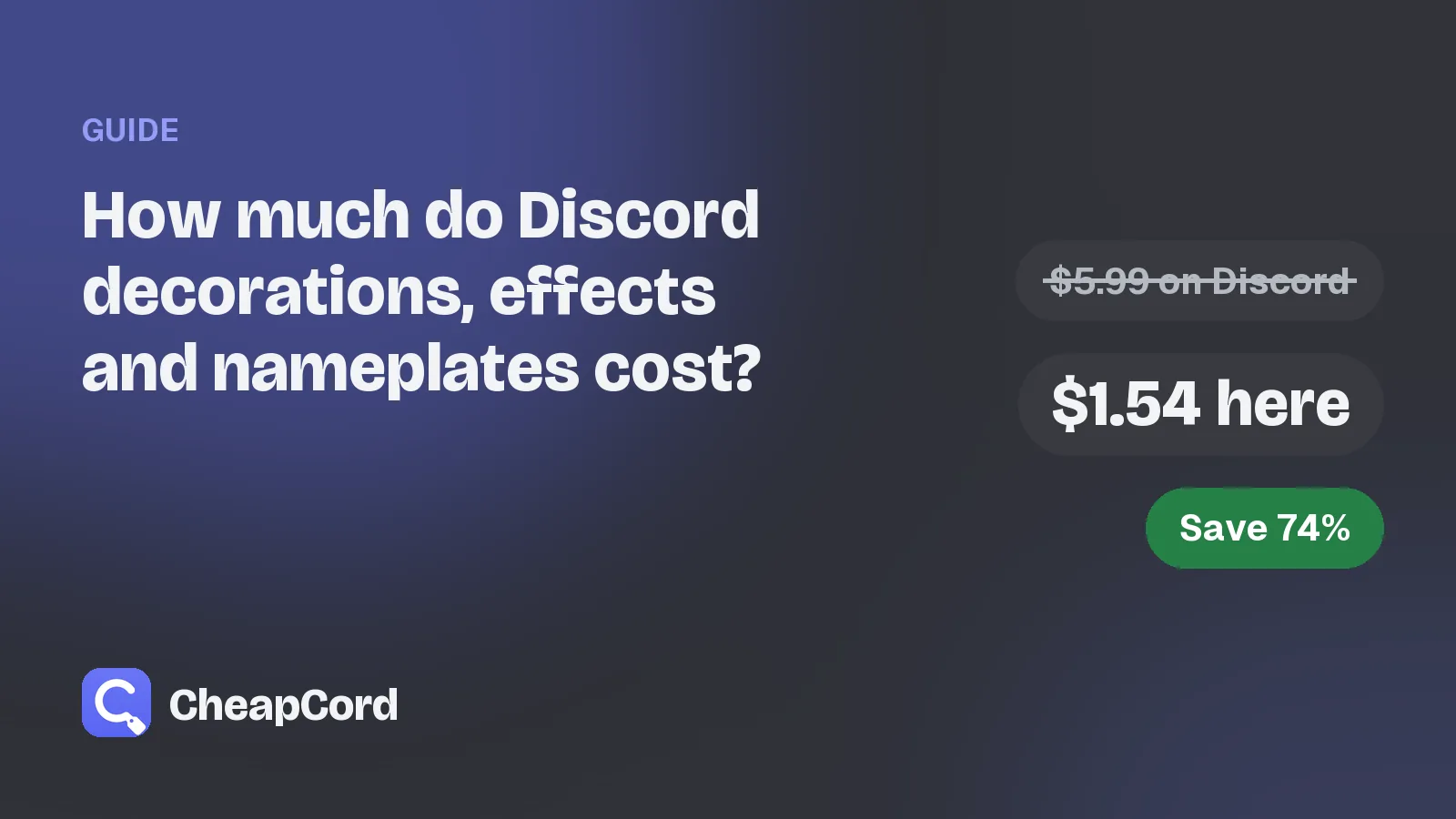
How much do Discord decorations, effects and nameplates cost?
The usual Discord Shop prices for each item type, and what the same items cost on CheapCord.
Oct 30, 2026 · 3 min read
How to check if a Discord decoration seller is legit
Seven quick checks before you pay anyone for a Discord decoration, effect or nameplate.
Oct 30, 2026 · 3 min read